

What you need
Before creating your first project, make sure you have the following ready:- The complete RFP document (PDF format)
- Product datasheets for all intended equipment
- Exact model numbers for each product
- Bill of Materials (Excel format), if available
If your RFP is a scanned PDF, the system will process it using OCR. Structured tables and multi-level numbering formats are supported.
Preparation guidelines
- Ensure each datasheet corresponds to the exact product model you intend to propose.
- If a datasheet includes multiple variants, identify the correct model in advance.
- Do not run compliance before linking the correct SKUs in Scope.
Workflow overview
speXcompl.ai follows a structured compliance pipeline. Each stage builds on the previous one — skipping steps may affect accuracy.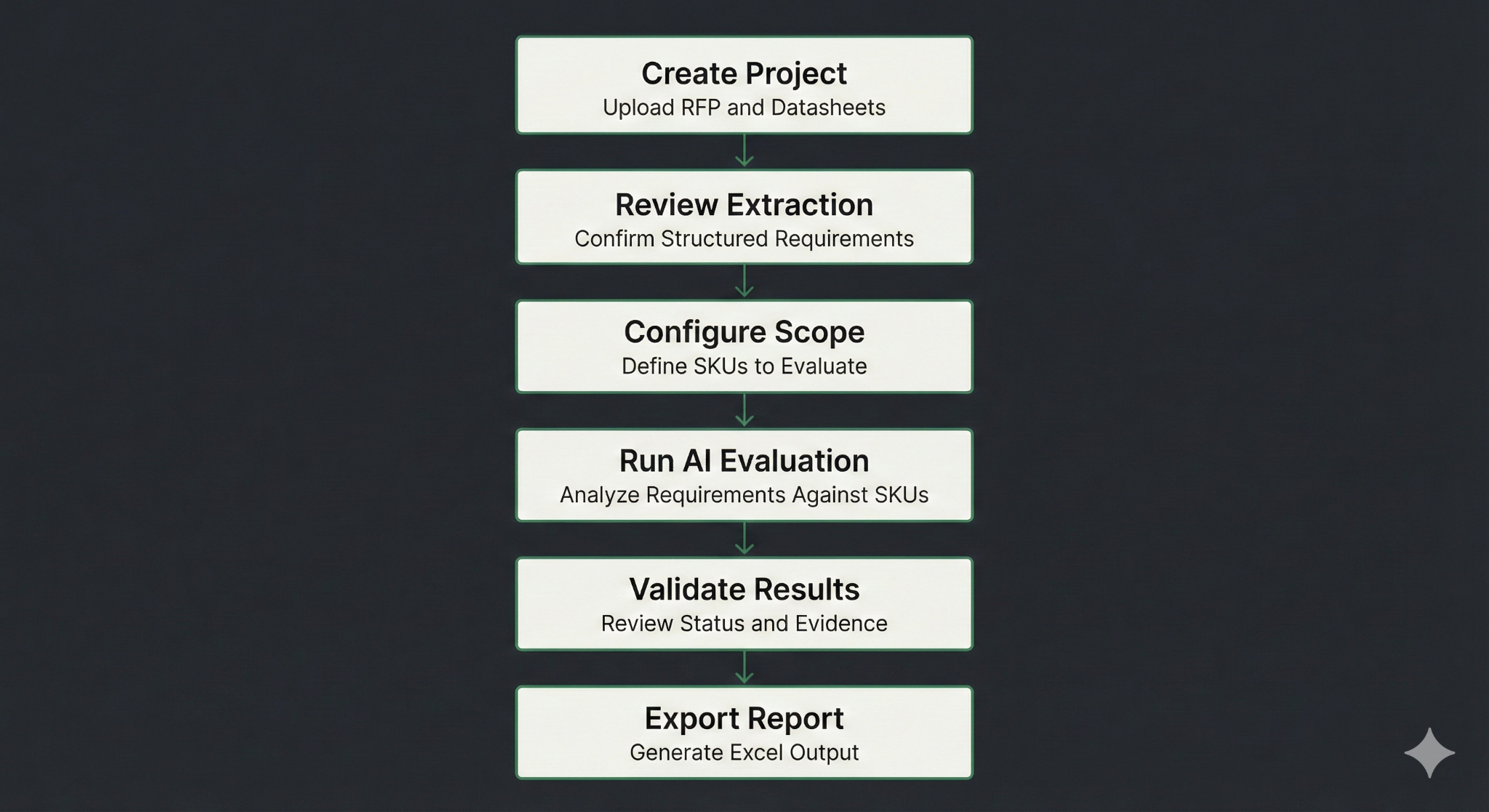
1
Create project
Upload the RFP, product datasheets, and define your Bill of Materials.
2
Review extraction
Confirm the structured requirements extracted from the RFP.
3
Configure scope
Define the SKUs (product models) you intend to propose.
4
Run AI evaluation
Analyze requirements against your selected SKUs.
5
Validate results
Review compliance status and supporting evidence.
6
Export report
Generate an Excel compliance report.