

Start a new project
From the Dashboard, click Create New Project.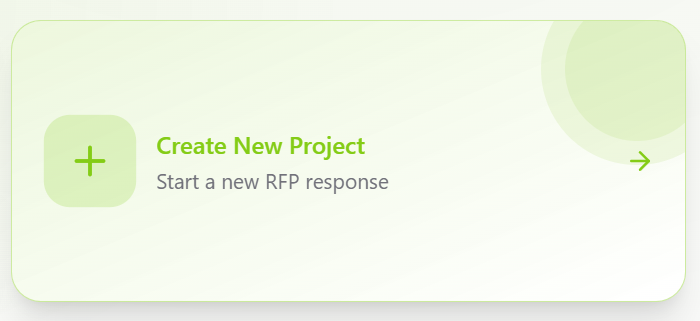
- Project Name — a descriptive name to identify the project
- Deadline — optional, but recommended for tracking
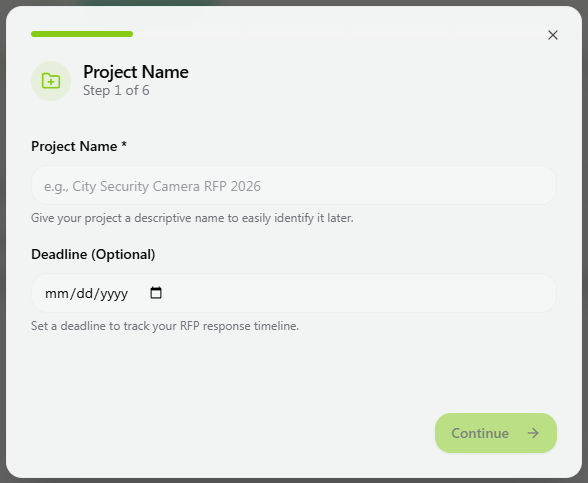
Upload the RFP document
Upload the complete RFP file in PDF format.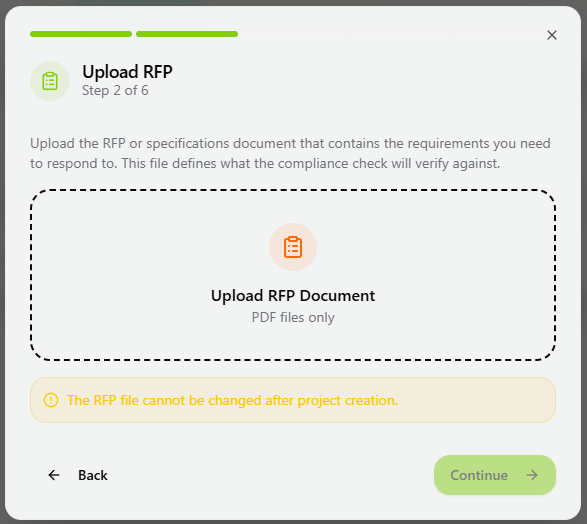
- Parts
- Sections
- Subsections
- Clause numbering
If the RFP is scanned, OCR processing is applied automatically.
Upload product datasheets
Upload all relevant product datasheets for the equipment you intend to propose. You may upload multiple datasheets at once.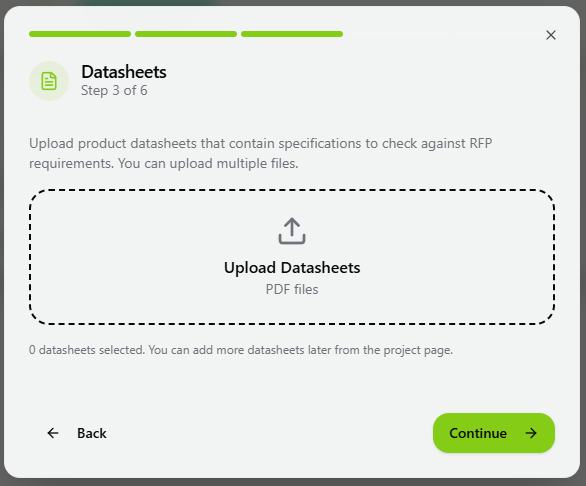
Define the Bill of Materials (BoM)
The Bill of Materials represents the product models you are planning to propose. It defines which specific models the system should check for compliance.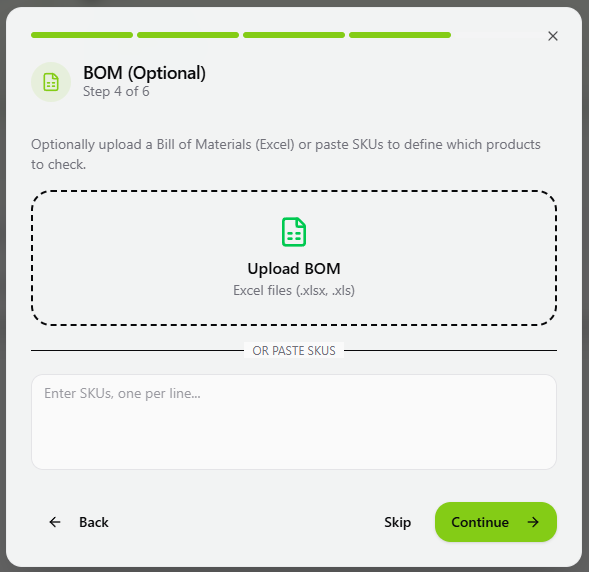
- Upload Excel
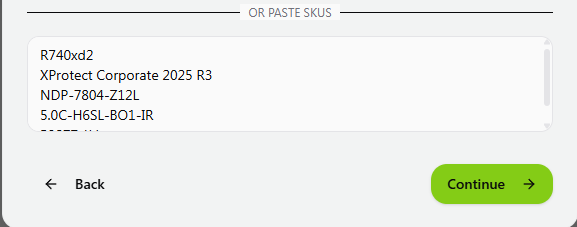
- Paste models
- Define later
Upload a BoM file in Excel format. The file must contain a column clearly identifying product models, such as: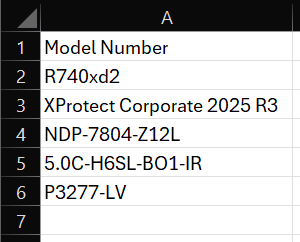
- SKU
- Model / Models
- Part Number
- Item Number
Important note on BoM
Compliance should not be executed until all intended product models are properly defined and linked. Defining the BoM ensures that:- The correct datasheets are used
- The correct product variants are evaluated
- Compliance results reflect the intended proposal
Project created
Your project is now created. The RFP is processed and structured, datasheets are ingested, and the project workspace is ready.Next, review the extracted requirements before configuring Scope and running compliance.